BRIDGE is a communication assistant built to help non-verbal people communicate with emergency first responders.
002.001
Keep vital details ready
Store the information that may help responders understand the person in front of them before an emergency ever begins.
002.002
Guide the conversation
Clear, guided choices make it easier to communicate what is happening when speaking is difficult.
002.003
Provide a clear handoff
BRIDGE gathers the important points into a responder-ready brief, helping the conversation begin in the right place.
A simple, practical tool for clearer communication when it matters most.
FORGE STRATEGIC: 002 - PRODUCTS: 001 - BRIDGE
THE BRIDGE FLOW
Details before the moment. Clarity in the moment.
BRIDGE keeps vital information close, then uses focused workflows to help a non-verbal person communicate with Fire, EMS, or Law Enforcement responders. The result is a clear handoff built from the details that matter.
All screens below use fictional John Doe demonstration information.
01 / SET THE FOUNDATION
Oriented to the user.
Personal details, communication needs, and other helpful information are available when they can help a responder understand the situation faster.
BRIDGE
Connection when it matters.
Set the details that help people understand you before you need them.
02 / CHOOSE A PATH
Lead with the right question.
The home screen provides a direct path to the emergency service involved, without burying the person in a complicated menu or a long form.
03 / WORK THE FLOW
Simple choices. A clearer picture.
Each step is designed to collect the information a responder may need, with a calm, predictable structure that keeps communication moving.
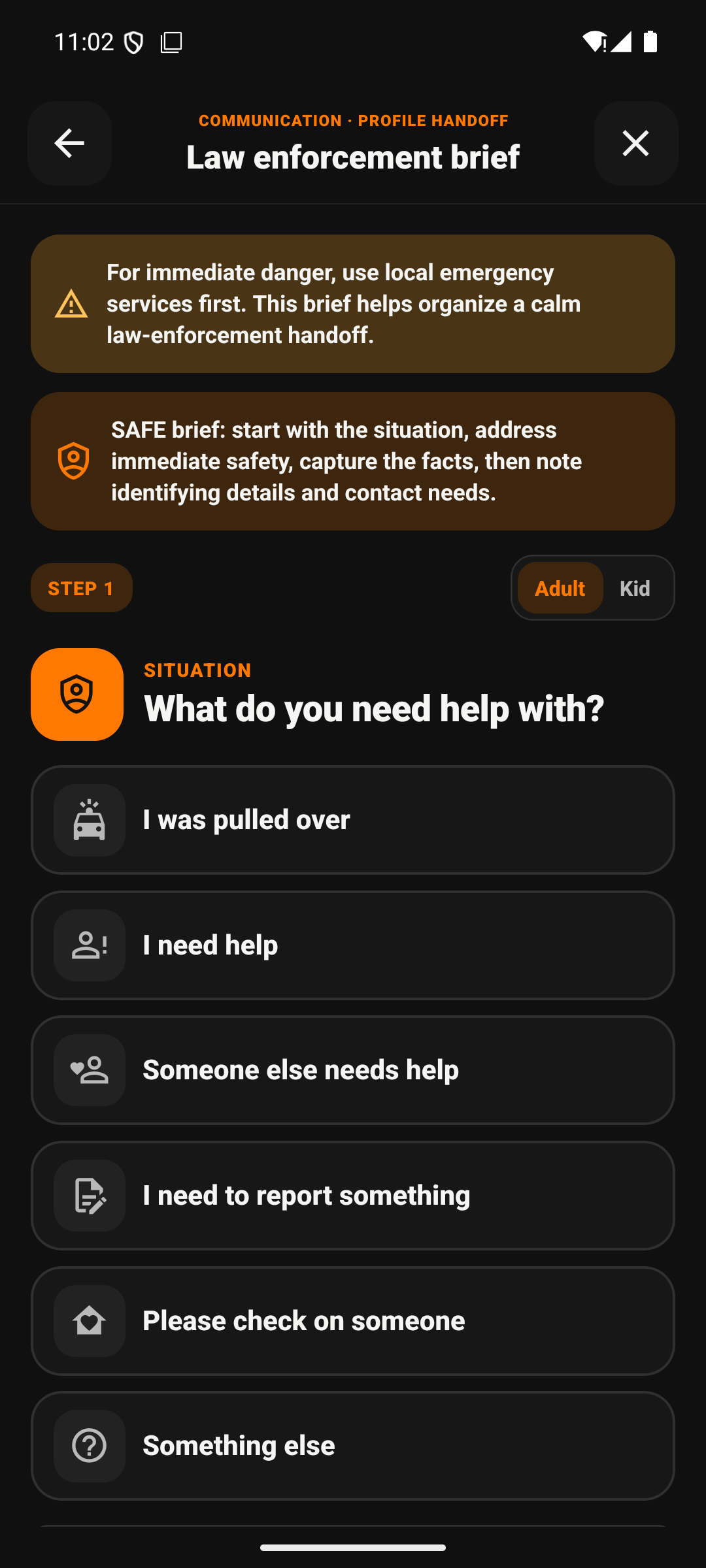
01 / Begin with the situation
Choose the right path.
BRIDGE starts with the person or service in front of you, then asks only for the details that help the conversation move forward.
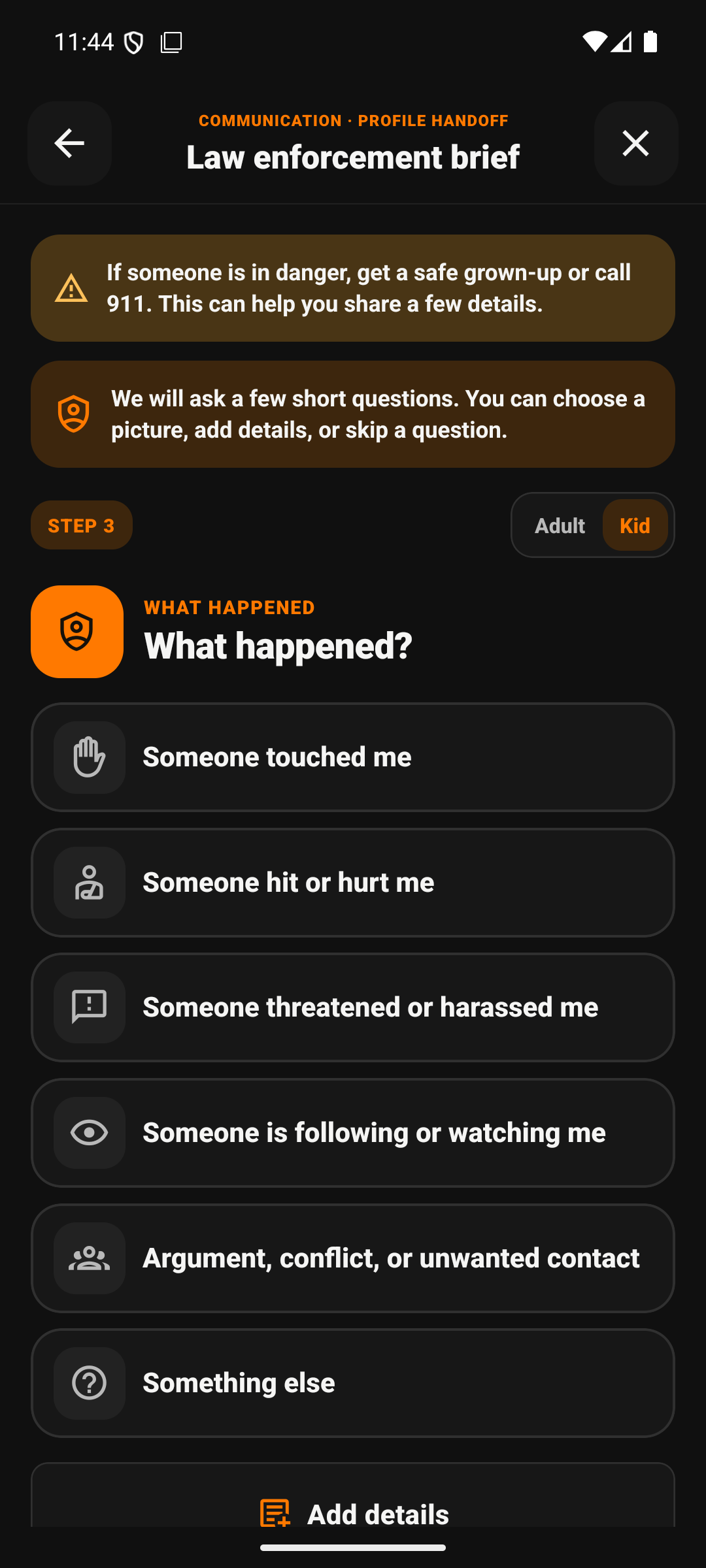
02 / Capture what matters
Keep the next question clear.
Guided choices help a non-verbal person communicate important safety information without having to search for the right words under pressure.
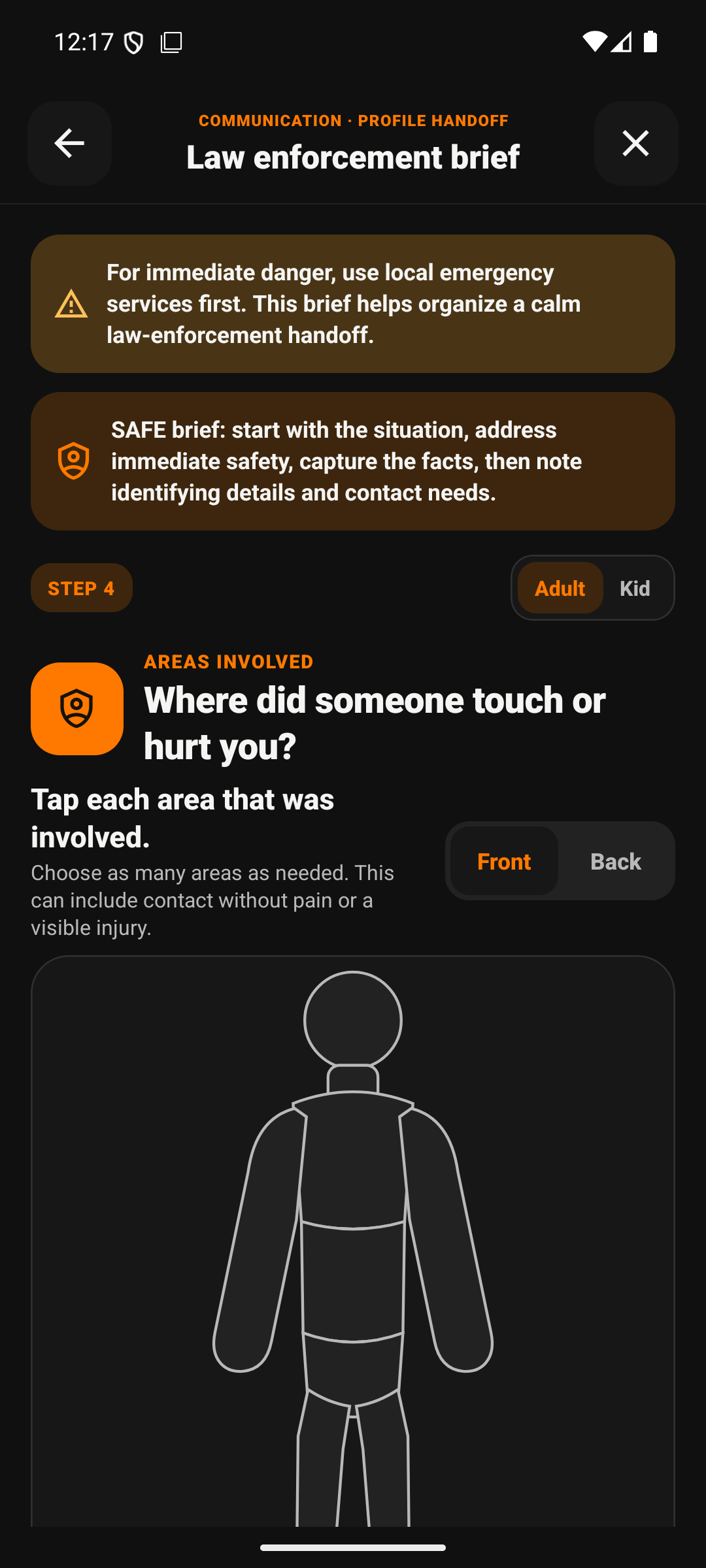
03 / Build the handoff
Turn details into direction.
Each answer builds toward a concise responder handoff—giving the professional receiving it a practical place to start.
04 / HAND OFF CLEARLY
Clear details for the responder.
BRIDGE organizes the selected details into a concise brief, so the person receiving it can understand the situation without piecing it together from scratch.
BRIDGERESPONDER BRIEF
READY TO HAND OFF
John Doe
Fictional demonstration profile
Communication
Use clear, direct questions and allow extra time to respond.
Address
100 Example Lane
Situation
John requested help and reports no immediate safety concern.
Responder note
Keep the conversation calm and one question at a time.